
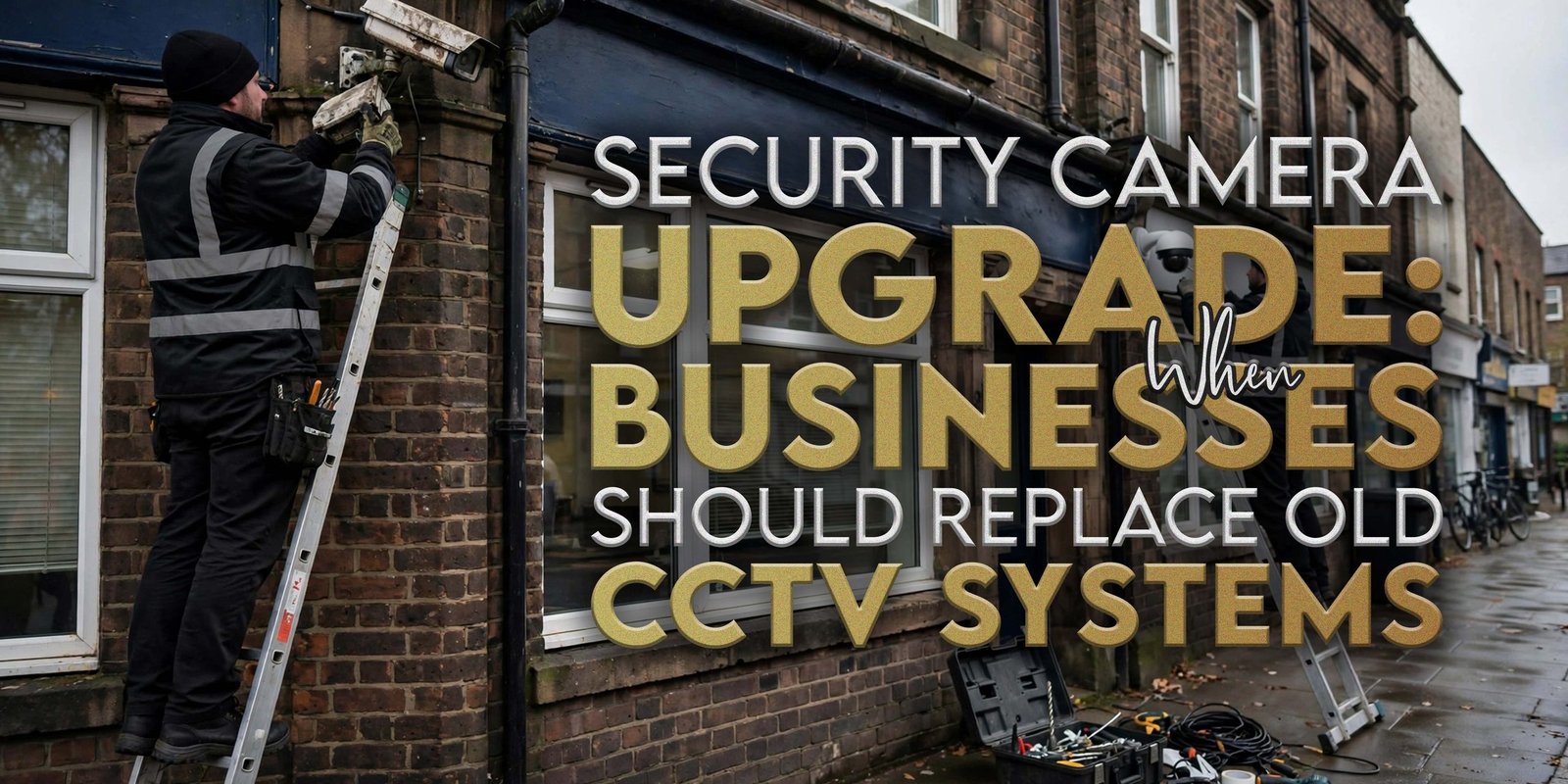
An ageing CCTV setup can continue recording while no longer meeting a business’s current requirements. Poor image quality, blind spots, recording problems and changes to a property’s layout can all indicate that a review is needed.
A security camera does not work in isolation. Its usefulness depends on positioning, lighting, recording equipment, storage, maintenance and the area it covers. Therefore, businesses should assess the whole CCTV setup before deciding whether to replace individual equipment or redesign the system.
For some premises, maintenance or repositioning may solve the issue. In other cases, additional cameras, recording equipment or a broader upgrade may make more sense. The right decision depends on the condition of the existing setup and the business’s current requirements.
When Should a Business Replace an Old Security Camera System?
A business should consider replacing an old security camera when the existing equipment no longer provides the required image quality, coverage, recording performance or functionality. However, replacement is not always necessary. Businesses should first assess whether maintenance, repositioning, additional cameras, improved lighting or recording upgrades could address the problem.
Start with the actual operational requirement rather than the age of the equipment alone.
For example, a camera may still produce useful footage despite being several years old. Conversely, a relatively newer installation may require attention if a warehouse extension has created significant coverage gaps.
A proper review should consider:
- Current camera locations
- Image clarity
- Daytime performance
- Night-time performance
- Recording reliability
- Storage requirements
- Footage retrieval
- Coverage gaps
- Equipment condition
- Site layout
- Future expansion
This approach helps businesses distinguish between a maintenance issue, an upgrade requirement and a complete replacement project.
10 Signs Your CCTV System Needs an Upgrade
An ageing CCTV setup can show several warning signs. However, none of these issues automatically means that a business must replace its entire installation.
1. Poor Image Quality
If recorded footage appears unclear, businesses should investigate the cause. Lens condition, positioning, lighting, equipment age and configuration can all affect the resulting image.
2. Blurred or Unclear Footage
Persistent blurring can make recorded footage difficult to review. Businesses should establish whether cleaning, repositioning or equipment replacement would address the problem.
3. Poor Night-Time Images
A camera that performs adequately during daylight may produce weaker images after dark. Lighting, glare, shadows, camera position and equipment capability can all influence night-time results.
4. Frequent Recording Failures
Regular interruptions in recording deserve attention. The cause could involve recording equipment, storage, connectivity, configuration or ageing hardware.
5. Insufficient Storage
A business may discover that its existing storage arrangement no longer meets its operational requirements. Storage needs depend on factors such as the number of cameras, recording quality and recording schedule.
6. Difficult Footage Retrieval
If staff struggle to locate relevant footage, the recording equipment or management interface may need review.
7. Blind Spots
Changes to a site can create areas that existing cameras no longer cover adequately. A coverage review can identify whether repositioning or additional equipment is appropriate.
8. Damaged or Ageing Cameras
Physical damage, weather exposure and general equipment deterioration can affect performance.
9. Coverage No Longer Matches the Site
A camera layout designed for an older site plan may not reflect current entrances, loading areas, storage spaces or vehicle routes.
10. Outdated Recording Equipment
The cameras themselves may still function while the recording infrastructure becomes a limitation. In that situation, upgrading recording equipment could be an alternative to replacing every camera.
Poor Image Quality: The First Warning Sign
Image quality is one of the clearest areas for businesses to assess when reviewing a security camera setup.
However, image quality does not depend on resolution alone. Businesses should also consider:
- Lighting
- Camera positioning
- Lens condition
- Environmental conditions
- Glare
- Shadows
- Distance from the area being viewed
- Equipment condition
- Night-time performance
For example, a camera positioned too far from a key access point may provide less useful footage even when the equipment itself works correctly.
Likewise, dirt or physical damage can affect the image. Therefore, businesses should establish the cause before deciding on replacement.
A useful first step is to review actual recorded footage from different parts of the site. Compare daytime and night-time performance, then identify whether the problem affects one camera or the wider installation.
CCTV Blind Spots and Changing Business Layouts
Businesses often change their premises over time. New entrances, warehouse extensions, loading bays, car parks and additional storage areas can alter the coverage requirements.
An existing security camera layout may have been designed around the property’s previous configuration. Once the site changes, the original positions may no longer provide appropriate coverage.
Consider these changes:
- New entrances
- Building extensions
- Additional loading bays
- New car parks
- Changed pedestrian routes
- Additional storage areas
- New vehicle access points
- Altered internal layouts
- Expanded external areas
A coverage review should therefore form part of wider property changes.
For example, if a business adds a new loading area, it should review whether the existing camera positions cover that location appropriately. The answer may involve repositioning an existing unit, adding another camera or redesigning part of the layout.
Night-Time CCTV: What Businesses Should Check
Night-time performance deserves separate attention because lighting conditions can differ significantly from daytime conditions.
A security camera that produces clear daytime footage may perform differently in low-light conditions. Businesses should therefore assess actual footage during the hours when the premises operate with limited natural light.
Review:
- Low-light performance
- External lighting
- Glare
- Shadows
- Camera positioning
- Car parks
- Loading bays
- Gates
- Building entrances
- External storage areas
Lighting can also change over time. New floodlights, altered building layouts or nearby reflective surfaces may affect the way a camera records an area.
Businesses should therefore assess the camera and its surrounding environment together rather than treating image quality as an equipment-only issue.
Night patrol security can address a different operational requirement. A physical patrol involves an officer visiting agreed areas, whereas CCTV provides recorded visual information from camera locations.
Security Camera Storage and Recording Problems
Recording performance is just as important as the camera itself.
A security camera can produce useful footage, but businesses still need an appropriate recording arrangement for their operational requirements. Storage capacity, recording schedules, the number of cameras and recording quality can all affect how much footage the system can retain.
Businesses should review:
- Recording capacity
- Storage requirements
- Recording reliability
- Footage retrieval
- Recording schedules
- Number of connected cameras
- Recording equipment condition
- System configuration
Do not assume that a larger storage capacity is automatically the correct solution. Instead, assess how the business uses recorded footage and what its actual requirements are.
Footage retrieval also deserves attention. If staff regularly struggle to locate relevant recordings, the issue may relate to the recording equipment, system interface or configuration rather than the individual cameras.
Upgrade or Replace? How Businesses Should Decide
Not every CCTV problem requires a complete replacement. A structured assessment can help businesses identify the most appropriate response.
| Problem | Possible Action |
|---|---|
| Dirty or damaged lens | Maintenance or replacement |
| One coverage gap | Additional camera |
| Poor camera position | Repositioning |
| Outdated recorder | Recording equipment upgrade |
| Insufficient storage | Storage upgrade |
| Multiple ageing cameras | Wider system review |
| Major site expansion | Coverage redesign |
| Persistent image-quality problems | Camera or system assessment |
The correct option depends on the condition of the existing equipment and the business’s requirements.
For instance, replacing one damaged camera may make sense when the rest of the installation performs adequately. Conversely, multiple ageing cameras combined with outdated recording equipment may justify a broader review.
Businesses should therefore avoid choosing between “upgrade” and “replace” before understanding the actual problem.
What to Check Before Replacing Your CCTV System
Before replacing a security camera setup, businesses should document what they currently have and what has changed.
Use this assessment:
- Current camera locations
Record where each camera sits and which areas it covers. - Coverage gaps
Identify locations that require additional or improved coverage. - Image quality
Review recorded footage rather than relying only on a live display. - Daytime performance
Assess images during normal operating conditions. - Night-time performance
Review footage after dark and under normal external lighting. - Lighting
Check whether lighting creates shadows, glare or poorly illuminated areas. - Recording equipment
Assess the condition and functionality of the recorder. - Storage
Review whether current capacity matches business requirements. - Footage retrieval
Check how easily authorised staff can locate recordings. - Camera condition
Inspect equipment for damage, deterioration or other issues. - Cabling and infrastructure
Where relevant, review the physical and network infrastructure supporting the installation. - Site changes
Identify new buildings, entrances, routes or operational areas. - External areas
Review car parks, gates, loading bays and yards. - Future expansion
Consider planned changes that could alter coverage requirements. - Maintenance requirements
Establish whether maintenance could resolve existing issues.
This assessment gives businesses a clearer basis for discussing an upgrade.
Security Camera Coverage for External Areas
External areas often require specific consideration because environmental conditions can differ from those inside a building.
A security camera positioned outside may need to account for:
- Car parks
- Gates
- Vehicle entrances
- Loading bays
- Yards
- External storage
- Building entrances
- Pedestrian routes
- Lighting conditions
- Weather exposure
For example, a camera covering a loading bay may need a different position from one covering an internal corridor. Similarly, vehicle entrances can have different viewing requirements from pedestrian entrances.
Businesses reviewing outdoor coverage can explore security cameras for external areas as part of their assessment.
The objective should be to understand whether existing coverage matches the property’s current layout. If not, the business can consider repositioning, additional equipment or a broader redesign.
CCTV and Mobile Patrol Security: When Businesses May Use Both
CCTV and physical patrols perform different functions, so businesses may consider both where their operational requirements call for separate forms of site oversight.
A security camera can provide:
- Visual coverage
- Recorded footage
- Remote viewing where applicable
- Information for reviewing recorded events
Mobile patrols can provide:
- Physical site visits
- Observations
- Checks of agreed areas
- Site-condition reporting
- After-hours visits
For example, a business park may use CCTV to record activity around selected areas while arranging physical visits during periods when normal staffing reduces.
Businesses considering this combination can review mobile patrol security for business parks.
The two approaches should not be treated as interchangeable. CCTV provides recorded visual information from camera locations, while a patrol involves a person physically visiting agreed areas.
After Hours Patrols and CCTV Gaps
After hours patrols may be relevant when a business needs physical site visits outside normal operating hours.
For example, a warehouse may close overnight while external loading areas, gates and vehicle access points remain part of its wider site-management requirements.
Similarly, a vacant commercial property may have limited routine activity. A physical visit can provide an additional site-check function that differs from recorded camera footage.
Businesses should first identify the reason for considering after hours patrols. Possible considerations include:
- Closed premises
- Reduced staff presence
- External areas requiring physical checks
- Vacant properties
- Weekend closures
- Planned shutdowns
Business security patrols can therefore complement CCTV where a business has a separate requirement for physical site visits.
Property checks should have defined instructions. The business should identify the areas to visit, relevant access arrangements, reporting requirements and designated contacts.
Planning a Security Camera Upgrade With H&D Security
A CCTV review should start with the existing installation and the business’s current requirements.
Businesses can prepare information about:
- Current camera locations
- Site layout
- Existing equipment
- Coverage gaps
- External areas
- Image quality
- Recording requirements
- Storage
- Footage retrieval
- Planned property changes
- Future expansion
For example, a warehouse that has expanded its loading area may need to reassess its existing coverage. Meanwhile, a business park with changed vehicle routes may need to review external camera positions.
H&D Security can discuss site-specific requirements with businesses reviewing their CCTV arrangements. If you want to outline your requirements, you can discuss your CCTV requirements.
The discussion can focus on the existing setup, current site conditions and the type of review or upgrade the business is considering.
Common CCTV Upgrade Mistakes Businesses Should Avoid
A structured assessment can help businesses avoid unnecessary expenditure and overlooked coverage issues.
1. Replacing Cameras Without Reviewing Coverage
New equipment does not automatically correct poor camera positioning. Start by reviewing where cameras currently point and what areas require coverage.
2. Focusing Only on Camera Resolution
Resolution matters, but lighting, positioning, lens condition and recording equipment also influence footage quality.
3. Ignoring Lighting
Poor lighting can affect night-time footage. Review the camera and surrounding lighting together.
4. Forgetting External Areas
Car parks, yards, gates and loading bays can change significantly when a business expands or alters its operations.
5. Ignoring Storage Requirements
Additional cameras can increase recording requirements. Storage should therefore form part of the planning process.
6. Failing to Review Blind Spots
A new entrance or building extension can create coverage gaps that the original installation never anticipated.
7. Replacing Equipment Without Considering Future Expansion
If the business expects further changes, the upgrade assessment should consider those requirements.
8. Assuming Old Camera Positioning Still Works
A camera that covered an entrance effectively five years ago may not provide the same coverage after the property changes.
9. Ignoring Footage Retrieval
Recorded information needs to remain practical to locate and review for authorised users.
10. Treating Every CCTV Problem as a Complete Replacement Requirement
Maintenance, repositioning, additional cameras, storage upgrades or recorder changes may resolve some issues without replacing the entire installation.
How Often Should Businesses Review Their CCTV?
Businesses should review their CCTV whenever the site’s layout, operations or camera performance changes significantly. A review can also become appropriate when image quality declines, recording problems appear or recurring coverage gaps become apparent.
There is no universal replacement cycle that applies to every commercial property.
Instead, businesses should consider:
- Site layout changes
- New entrances
- New loading areas
- Additional external spaces
- Camera deterioration
- Declining image quality
- Recording requirements
- Storage requirements
- Changes to operating patterns
- Planned expansion
A business that regularly changes its premises may need to review coverage more frequently than a property with a stable layout.
The important point is to assess the installation against current requirements rather than replacing equipment solely because it has reached a particular age.
Security Camera Upgrade Checklist
Use this checklist when reviewing an existing CCTV installation:
☐ Review existing camera locations
☐ Identify coverage gaps
☐ Check daytime image quality
☐ Check night-time image quality
☐ Review external coverage
☐ Check lighting conditions
☐ Review recording equipment
☐ Check storage capacity
☐ Review footage retrieval
☐ Inspect ageing or damaged equipment
☐ Review site changes
☐ Review entrances and exits
☐ Review car parks
☐ Review loading areas
☐ Consider future expansion
☐ Review maintenance requirements
This checklist can help businesses identify whether they need maintenance, additional equipment, a recording upgrade, repositioning or a wider CCTV review.
When should a business replace an old security camera system?
A business should consider replacement when its existing CCTV no longer meets current requirements for image quality, coverage, recording or functionality. However, complete replacement may not always be necessary. Maintenance, repositioning, additional cameras, improved lighting or recording-equipment upgrades may address specific problems.
How can I tell if my CCTV cameras are outdated?
Signs can include declining image quality, damaged equipment, poor night-time footage, recurring recording problems, difficult footage retrieval and coverage that no longer matches the site. Businesses should assess the whole installation before deciding that the cameras themselves require replacement.
What are the main signs that CCTV needs upgrading?
Common signs include poor or inconsistent footage, blind spots, inadequate storage, recording interruptions, ageing equipment and changes to the property’s layout. New entrances, loading areas, car parks and extensions can also create requirements that an older CCTV layout does not address.
Should I upgrade or replace my CCTV system?
The answer depends on the specific problem. A single damaged camera may only require replacement, while an outdated recorder may call for an equipment upgrade. However, multiple ageing cameras combined with coverage gaps or persistent performance issues may justify a wider system assessment.
What should businesses check before replacing security cameras?
Businesses should review current camera locations, image quality, lighting, night-time performance, coverage gaps, recording equipment, storage, footage retrieval, external areas and site changes. They should also consider future expansion so that any upgrade reflects both current and foreseeable operational requirements.
Can additional cameras fix CCTV coverage gaps?
Additional cameras can address some coverage gaps, but businesses should first assess why the gap exists. Repositioning an existing unit may solve one issue, while a new camera may suit another. The decision should consider the area’s layout, viewing requirements, lighting and the rest of the CCTV installation.
Do businesses need CCTV and after hours patrols?
Not every business needs both. CCTV provides recorded visual information from camera locations, while after hours patrols involve physical visits to agreed areas. Businesses can consider both where their operational requirements call for recorded footage and separate physical site checks.
How often should businesses review their CCTV coverage?
Businesses should review coverage whenever the site layout, operations or camera performance changes. New entrances, extensions, loading areas, car parks and external spaces can all affect coverage. A review may also become appropriate when image quality, recording performance or footage retrieval starts to decline.
Discuss Your Security Camera Requirements
A CCTV upgrade should begin with a clear understanding of the existing installation and the business’s current requirements.
Businesses can discuss:
- Existing CCTV equipment
- Current camera locations
- Site layout
- Coverage requirements
- External areas
- Car parks and loading bays
- Recording requirements
- Storage
- Footage retrieval
- Potential upgrade requirements
- Changes to the property
H&D Security can discuss the requirements of commercial premises and help businesses consider the relevant factors when reviewing their CCTV arrangements.
If you are assessing an existing installation, you can request a quotation for your security camera requirements.
A site-specific discussion can help establish whether the requirement relates to maintenance, repositioning, additional equipment, recording upgrades or a broader CCTV review.