
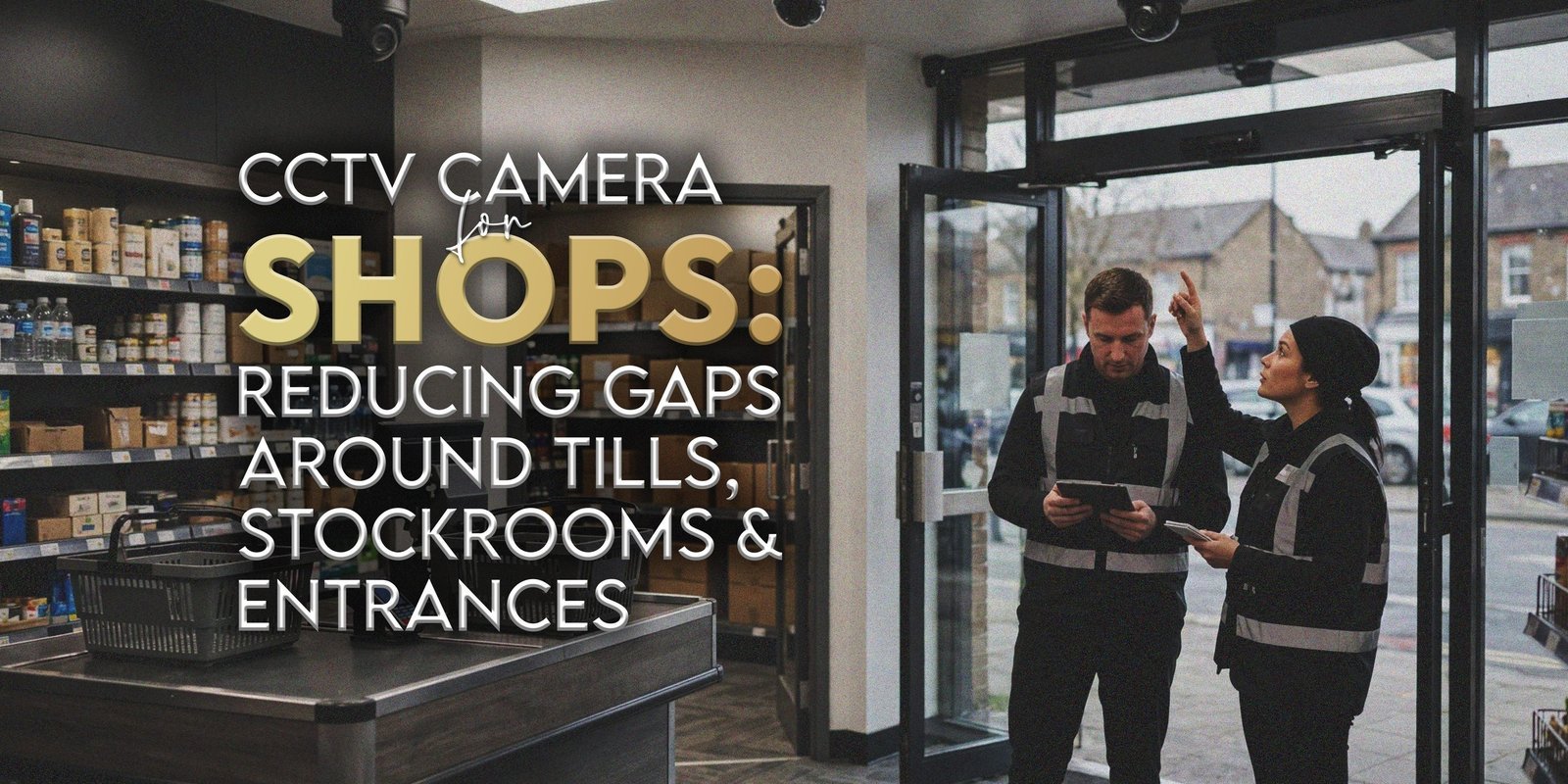
A busy shop has several areas competing for attention: customers arriving at the entrance, transactions at the tills, deliveries at the back door and stock moving between shelves and storage. Installing a CCTV camera without first examining these movements can leave important activity outside the picture. Equally, adding more equipment does not automatically improve the usefulness of recordings.
For West London retailers, a CCTV camera plan starts with the shop’s layout and the reason each area needs coverage. H&D Security provides commercial CCTV installation and related services. This guide covers positioning, recording and monitoring.
Where Should a CCTV Camera Be Positioned in a Shop?
A CCTV camera should be positioned according to the purpose of recording and the layout of the premises. Review entrances, customer routes, tills, stockroom doors and delivery access first. Then assess mounting height, lighting, shelving and privacy considerations. The view should capture only necessary activity.
Walk through the premises as a customer, employee and delivery driver would. A CCTV camera that looks well placed on a drawing may have its view obstructed by a seasonal display, a hanging sign or an open storeroom door.
Why Retail Businesses Need a CCTV Camera Coverage Plan
A shop’s CCTV camera plan should explain what each view is intended to show. For example, an entrance view might establish who entered and when, while a stockroom doorway view might help staff review goods movements. Each CCTV camera purpose calls for different positions and image detail.
Before choosing a CCTV camera, mark entrances, tills, customer-service points, aisles, delivery doors and staff-only corridors on a floor plan. Identify busy routes, physical obstructions and changes that occur after closing. This turns a vague request for more cameras into a brief that an installer can assess.
Shop CCTV Cameras for Customer Entrances and Exits
Entrances are logical locations for shop CCTV cameras because people pass through a defined opening. However, positioning requires more thought than pointing a CCTV camera towards the door. Bright daylight behind a visitor can affect image clarity, while promotional displays may narrow the useful field of view.
A CCTV camera at the entrance should be assessed at different times of day. Check how customers enter in groups, where they pause, and whether the door remains open during deliveries. If the entrance and exit routes differ, decide whether one view can serve both purposes adequately.
Till Area CCTV: Transactions, Counters and Privacy
Till area CCTV may help a retailer review disputes, queues and incidents near a checkout. Nevertheless, the purpose should be clearly defined. A CCTV camera overlooking a counter needs to capture relevant interactions without unnecessarily recording payment card PIN entry, card information or confidential material on screens.
Consider counter height, customer standing positions, staff movement and reflections from illuminated displays. A CCTV camera mounted directly above a till can show a different perspective from one facing the counter. The CCTV camera choice depends on what the business needs to understand after an incident.
Stockroom Security Cameras and Delivery Access
Stockrooms present a different pattern of movement from the sales floor. Goods arrive, staff unpack deliveries, stock moves onto shelves and returns may be prepared for collection. Stockroom security cameras can help support reviews of access and inventory-handling incidents when the CCTV camera system is planned appropriately.
A CCTV camera facing the stockroom entrance may be more useful for identifying movements through the doorway than a broad view of stacked boxes. Likewise, check how shelving, trolleys and pallets affect visibility throughout the working day.
Comparing CCTV Coverage Requirements Across Retail Areas
| Retail area | Main recording purpose | Positioning considerations | Common coverage gap | What to check |
|---|---|---|---|---|
| Customer entrance | Review arrivals and departures | Door angle, daylight, signage | Backlighting or blocked doorway | Image clarity at busy periods |
| Customer exit | Review departures | Exit route and movement | Separate exit left uncovered | Whether entrance view is sufficient |
| Till area | Review relevant counter incidents | Counter, queue and payment privacy | PIN pad or reflections in frame | Purposeful framing and privacy |
| Sales floor | Review movement in aisles | Display height and customer routes | Tall seasonal shelving | Views after merchandising changes |
| Stockroom | Review access and goods movement | Doorways, racking and lighting | Trolleys blocking views | Access-point coverage |
| Delivery entrance | Review deliveries and handovers | Door position and loading activity | Obstructed loading route | Day and evening lighting |
| Staff-only areas | Review appropriate access points | Access permissions and necessity | Excessive recording | Proportionate coverage |
Retail Surveillance: Recorded Footage and Live Monitoring
Retail surveillance can involve several separate services. Recorded CCTV stores footage for later review; remote viewing lets authorised users access video through an agreed setup; live monitoring involves a person or service actively observing feeds under specified arrangements. Motion alerts are another possible feature, but they do not by themselves mean an incident will receive a response.
When comparing a CCTV camera package, ask what is included in the CCTV camera recording system, which users can view footage and whether any monitoring service is separate. H&D Security offers recording, remote viewing and monitoring options, subject to the agreed specification.
How to Identify CCTV Camera Blind Spots
Blind spots can emerge even when a shop initially appears well covered. High shelving, hanging advertisements, queue barriers and seasonal displays may obstruct important views. Moreover, changing lighting and moving stock can alter image quality during normal trading.
Use a structured review:
- Walk every customer route, including the entrance and exit.
- Examine checkout counters from customer and staff positions.
- Check stockroom doors, delivery routes and internal corridors.
- Look for shelving or display units that interrupt CCTV camera views.
- Review CCTV camera footage in daylight and after dark where relevant.
- Recheck CCTV camera positions after major changes to the shop layout.
CCTV Camera Packages: Four, Eight or Custom Configuration?
H&D Security describes four-camera, eight-camera and custom CCTV configurations, with feature options that depend on the chosen specification. For shop owners, the key question is not which number sounds more comprehensive. It is whether the proposed CCTV camera arrangement covers the areas that genuinely need observation.
A small store with an awkward layout may need a different design from a larger, open-plan shop. Ask about image resolution, DVR or NVR recording, storage, night-vision options, remote viewing and any required cabling or network setup. Do not assume all features come with every package.
Review Your Shop’s CCTV Coverage Requirements
Before approaching an installer, prepare a simple floor plan and explain your main concerns. List customer doors, tills, stockrooms, delivery access and existing equipment. Then identify whether you want recording only, remote viewing or a separately agreed CCTV camera monitoring service.
H&D Security can discuss your CCTV camera requirements and suitable installation options for your premises. To start a site-specific conversation, request a retail CCTV quote with the shop address, required coverage areas and any relevant operating hours.
CCTV Cameras vs Retail Security Guards
A CCTV camera records activity within its configured view; a guard can communicate with visitors, follow site procedures and respond physically within the limits of an agreed assignment. These functions are different. Cameras cannot automatically replace employees or guarding personnel, especially where customer interaction or immediate on-site decisions are required.
For shops with substantial customer footfall, managers may wish to consider security guard services for retail sites alongside the recording plan. However, the appropriate arrangement depends on store hours, operating risks, staffing and budget.
After-Hours Mobile Patrols and Retail CCTV
After closing, a retail premises may need different arrangements from those used during trading. A CCTV camera may continue recording, but recording alone does not mean someone is watching live or attending the site when an alert occurs.
Businesses can assess after-hours mobile patrol security where physical checks are relevant. Mobile patrols involve attendance under agreed instructions, while remote viewing and live monitoring follow their own service terms.
CCTV Camera Installation for Shops in Hounslow and West London
H&D Security is based in Hounslow and provides commercial security services relevant to businesses in the Heathrow corridor and across West London, including Brentford, Feltham, Hayes and Ealing. Retail premises in these areas may range from small independent shops to larger units with separate delivery and stockroom access.
H&D Security can discuss commercial CCTV installation, recording and monitoring options. Retailers reviewing their wider arrangements can also consider retail guarding support and mobile patrols for retail premises as separate services where appropriate.
UK CCTV Privacy, Signage and Data Handling
Shops using identifiable CCTV footage must consider applicable UK data protection requirements. In particular, retailers should identify a lawful basis, provide appropriate signage, limit recording to legitimate purposes, control who can see footage and determine retention periods according to necessity. There is no universal retention period that suits every retail system.
A CCTV camera should not be used to capture payment PIN entry or private areas without a lawful, justified reason. Staff monitoring also requires careful consideration: a CCTV camera system introduced for one purpose should not casually be repurposed for unrelated employee performance tracking.
The Information Commissioner’s Office provides guidance on video surveillance and a CCTV self-assessment checklist.
Common CCTV Camera Installation Mistakes in Shops
Several avoidable mistakes can reduce the practical value of a system:
- Choosing a camera count before identifying coverage needs.
- Leaving stockroom or delivery entrances outside the plan.
- Failing to assess glare, shadows and changing daylight.
- Allowing shop displays to obscure an existing CCTV camera.
- Assuming recording includes continuous live monitoring.
- Forgetting who can access footage and how incidents are reported.
- Neglecting cleaning, fault checks and future layout changes.
- Overlooking privacy notices, data access and retention decisions.
Additionally, businesses should check whether a separate guarding or patrol service might address needs that cameras cannot. Read more about professional guarding for shops and out-of-hours commercial patrol services when preparing a broader operational plan.
Retail CCTV Installation Checklist Before Requesting a Quote
Before speaking to an installer, collect the following details:
- Shop address, opening hours and approximate layout.
- Customer entrance and exit locations.
- Number and position of till points.
- Stockroom, delivery and staff-only access points.
- Existing cameras, cabling, recorders and network connections.
- Areas where current images are obstructed or unclear.
- Desired recording quality and remote viewing requirements.
- Whether live monitoring is required as an additional service.
- Who will manage recordings, permissions and incident requests.
- Maintenance, access and installation constraints.
- Privacy notice and data handling arrangements.
How H&D Security Supports Retail CCTV Requirements
H&D Security offers commercial CCTV installation and configurations including four-camera, eight-camera and tailored options. Depending on the agreed requirements, discussions may cover HD or 4K options, DVR or NVR systems, remote viewing, night vision, motion detection and monitoring arrangements. Exact features should be confirmed for the selected CCTV camera proposal.
For businesses considering a CCTV camera alongside guarding or patrol work, H&D Security also provides relevant commercial services under separate specifications. Employers can discuss your shop CCTV requirements and describe what they need at entrances, checkout counters and back-of-house areas.
Frequently Asked Questions
Where Should a CCTV Camera Be Positioned Inside a Shop?
Position a CCTV camera where it serves a clear purpose, such as observing a customer entrance, relevant activity near tills or access to a stockroom. Check lighting, obstructions and how people move through the area. Avoid unnecessary views of payment PIN entry or private spaces, and review sample images before finalising the placement.
What Should Retail Businesses Check When Choosing Shop CCTV Cameras?
Compare coverage needs, image quality, mounting locations, recording arrangements and access to footage. Also ask which features are included in the quotation and whether remote viewing or monitoring has separate requirements. The CCTV camera count should reflect the layout, not just the store’s square footage or a standard package description.
Can Till Area CCTV Help Businesses Review Incidents?
Yes, appropriate till area CCTV can provide footage for reviewing relevant incidents at checkout counters, depending on camera position and image clarity. However, it should not unnecessarily capture payment PINs or sensitive card details. Retailers also need suitable access permissions and a clear policy for viewing and retaining recordings.
What Should Shop Owners Consider When Installing Stockroom Security Cameras?
Review the entrances used by employees and delivery personnel, shelving that may obstruct views, and any stock-handling areas relevant to your recording purpose. Stockroom security cameras should capture useful activity without excessive employee surveillance. Additionally, confirm who can access recordings and how the shop handles footage requests or incident investigations.
Does Retail Surveillance Require Live Monitoring?
No. Retail surveillance can rely on recorded footage, with authorised staff reviewing it when necessary. Live monitoring is a separate arrangement and should not be assumed simply because a CCTV camera system supports remote viewing or alerts. Discuss operating hours, responsibility for responding and the service specification before choosing a monitoring option.
How Can H&D Security Help Businesses Review Shop CCTV Requirements?
H&D Security can discuss the shop’s layout, entrances, tills, stockrooms and existing CCTV camera equipment before considering an installation proposal. The business offers CCTV packages and custom configurations, with features determined by the agreed specification. Shop owners can also ask about relevant retail guarding and after-hours patrol options where these fit their needs.
Discuss Your Retail CCTV Requirements With H&D Security
A useful CCTV camera installation begins with understanding where activity takes place and what footage the business actually needs. H&D Security, based in Hounslow, can discuss retail coverage for entrances, tills, sales floors, stockrooms and delivery areas across West London and other relevant locations.
Share your shop layout, existing equipment, recording preferences and any interest in monitoring or complementary guarding services. The team can review your requirements and explain appropriate quotation options without assuming that every feature belongs in one package.
Contact 0208 476 7676 or info@handdsecurity.co.uk, or get a retail CCTV quote.